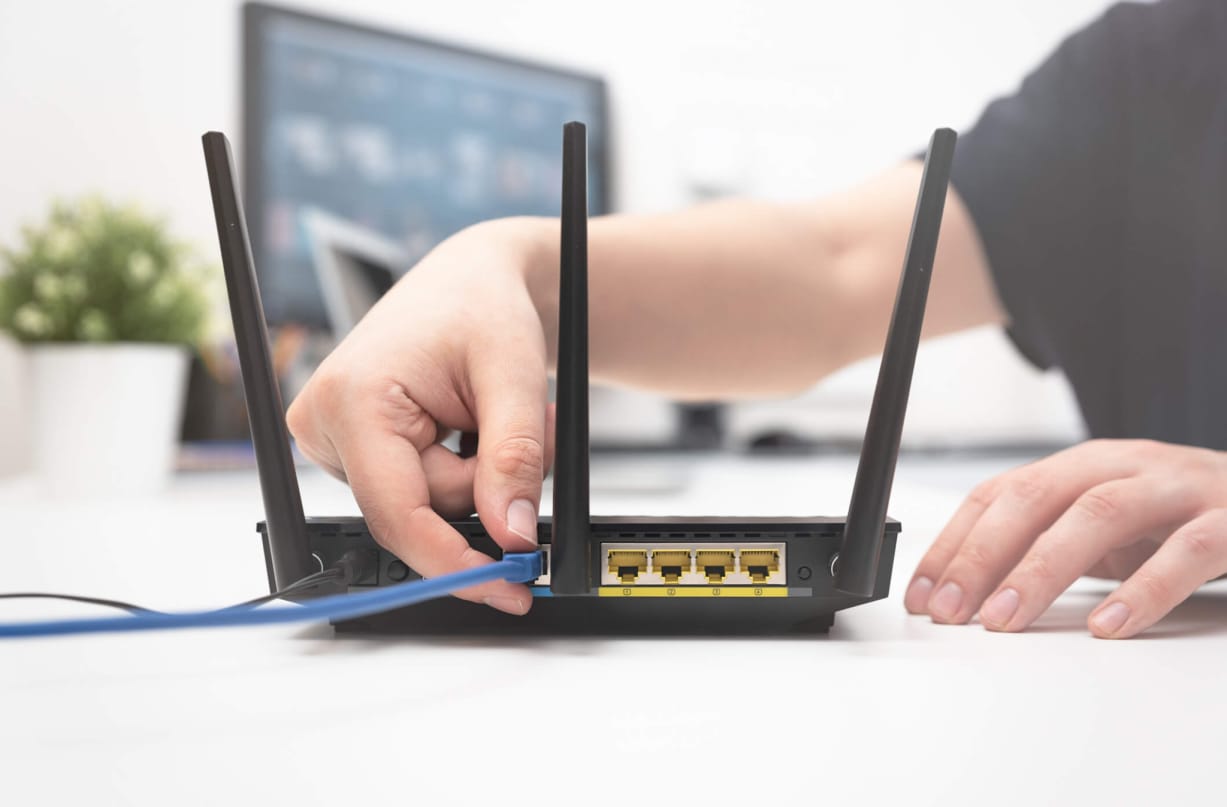
In the modern digital landscape, a business router serves far beyond simply connecting you to the internet—it acts as the frontline defense against cyber threats. As cyberattacks become increasingly sophisticated and frequent, selecting a router with robust security capabilities is crucial to safeguard sensitive information, maintain stable network performance, and support seamless business operations. Whether managing a small startup or a large corporation, the right router can play a vital role in enhancing your overall security. Below are the essential security features every business should consider when choosing a router.
Firewall Protection
A business router’s integrated firewall is a critical security component. It inspects and controls both incoming and outgoing network traffic according to predefined security policies. High-end routers from providers such as Cisco, Meraki, and Fortinet include sophisticated firewalls that prevent unauthorized access, protecting internal systems from potential cyber threats.
VPN (Virtual Private Network) Support
Routers equipped with robust VPN functionality provide secure remote connectivity for employees. They encrypt data transmitted between remote devices and the company network, keeping it safe from interception. For optimal versatility, choose routers that support IPSec, SSL VPN, and site-to-site VPN connections.
Intrusion Detection & Prevention Systems (IDS/IPS)
Routers featuring IDS/IPS continuously watch your network for any suspicious activity. They identify abnormal behavior, block harmful traffic, and help prevent threats like malware, brute-force attacks, and unauthorized access.
Advanced Encryption Standards
Strong encryption is vital for protecting business data. Top-tier routers employ AES-256-bit encryption along with WPA3 for secure Wi-Fi connections, making it extremely challenging for hackers to access sensitive information.
Content Filtering & Access Control
Routers with content filtering let you restrict access to harmful or non-essential websites. Access control features allow you to manage which devices connect to the network and what services they can use, minimizing security risks and boosting overall productivity.
Automatic Firmware Updates
As cyber threats constantly evolve, running outdated firmware can leave your network exposed. Contemporary business routers offer automatic or cloud-managed firmware updates, keeping your devices equipped with the latest security patches without requiring manual updates.
Multi-Layered DDoS Protection
Distributed Denial-of-Service (DDoS) attacks can flood your network and interrupt business operations. Routers with integrated DDoS protection detect and counter these attacks, ensuring your network remains stable and operational.
Guest Network Isolatio
Offering internet access to visitors without risking internal systems is essential. Routers with guest network isolation separate guest traffic from business devices, ensuring sensitive data remains protected from accidental or unauthorized access.
Multi-Factor Authentication (MFA)
Routers with multi-factor authentication (MFA) provide an added layer of security for network administrators. Even if login credentials are compromised, unauthorized users cannot access router settings without completing the second verification step.
Centralized Cloud Management
For companies with multiple locations or large teams, routers featuring centralized cloud dashboards—like those from Meraki or Aruba provide real-time monitoring, security alerts, and configuration management. This streamlines network administration while enhancing overall security.
Conclusion
A safe business begins with a secure network. Choosing a router with robust security features safeguards your data, minimizes downtime, and allows your team to work confidently and efficiently. Whether upgrading your existing network or setting up a new one, focusing on these features helps keep your business protected against emerging threats.